Fit the upload.
Choose a target in KB, change pixel dimensions, crop or convert. Check the actual result before saving.
Resize a photo for an upload. Turn handwriting into a transparent PNG. Add a watermark before you share.
View on Google Play ↗See how it works →Android 7.0+ · No account required · Contains ads
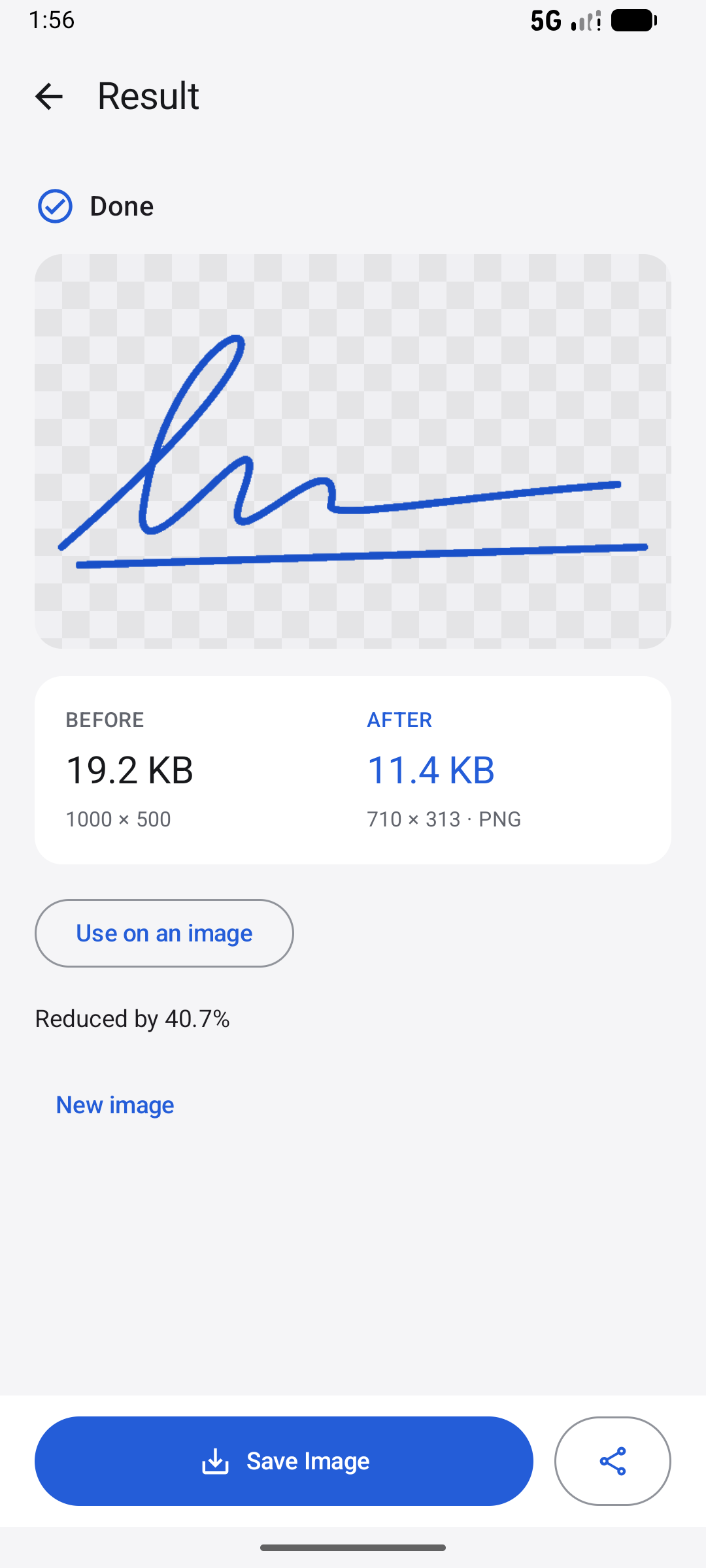
Your signature, ready for another image.
Choose a target in KB, change pixel dimensions, crop or convert. Check the actual result before saving.
Remove paper backgrounds from signatures and stamps. Retain original colors or choose black, red, blue or a custom color.
Add text or an image mark. Adjust position, size, opacity, rotation and repetition in a live preview.
796.8 KB
→ 99.5 KB
Our demo photo, compressed to a 100 KB target. Output dimensions changed from 1448 × 1086 to 1303 × 977. Results vary by image and settings.
Follow the 100 KB guide →Compare original and output size, dimensions and format. A smaller file is useful only when it still meets your needs.
Automatically adjust paper-shadow removal, ink depth, edge clarity and small-gap repair. Inspect the preview, adjust the controls or undo the result.
Complete an available rewarded ad to unlock automatic enhancement for the current image. Retry or undo in that session without another ad. Manual controls remain available.
Enhancement uses local image-processing algorithms. It does not use a bundled neural model or reliably reconstruct missing letters.
See the extraction workflow →Compress a photo to a 100 KB target on Android, compare the actual result and check pixel dimensions before saving.
Read the guide →Extract a handwritten signature or colored stamp as transparent PNG. Keep original ink, reduce paper shadows and adjust small gaps.
Read the guide →Add a visible text or image watermark on Android. Adjust size, opacity, position, rotation and tiling with a live preview.
Read the guide →Photo processing runs locally. No account or app-operated cloud image library is required. Ads and optional AppsFlyer measurement use network services.
Cloud photo providers and apps you share to may handle images under their own policies.
Light and dark themes. Seven interface languages. Up to five images per free batch, or up to thirty for that batch after an available rewarded ad.
Read the FAQ →